
NEW
CyanCamera
An app that turns a smartphone into a live production camera (iOS / Android)
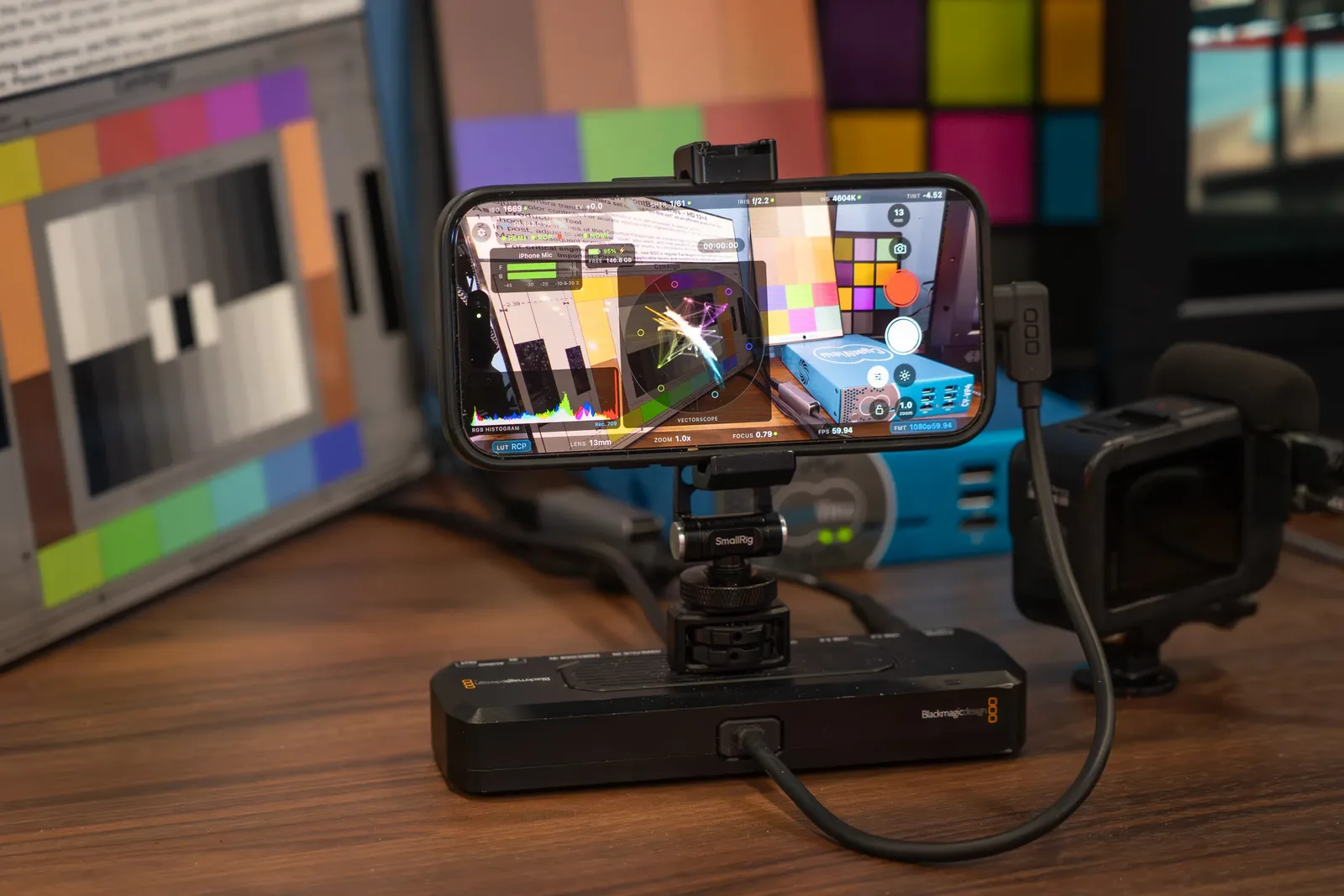
CyanCamera turns an iPhone or Android phone into a numbered camera in a live production. A Cyanview RCP shades it just like any of the more than 210 supported camera models, and it appears on the gateway with no special setup.
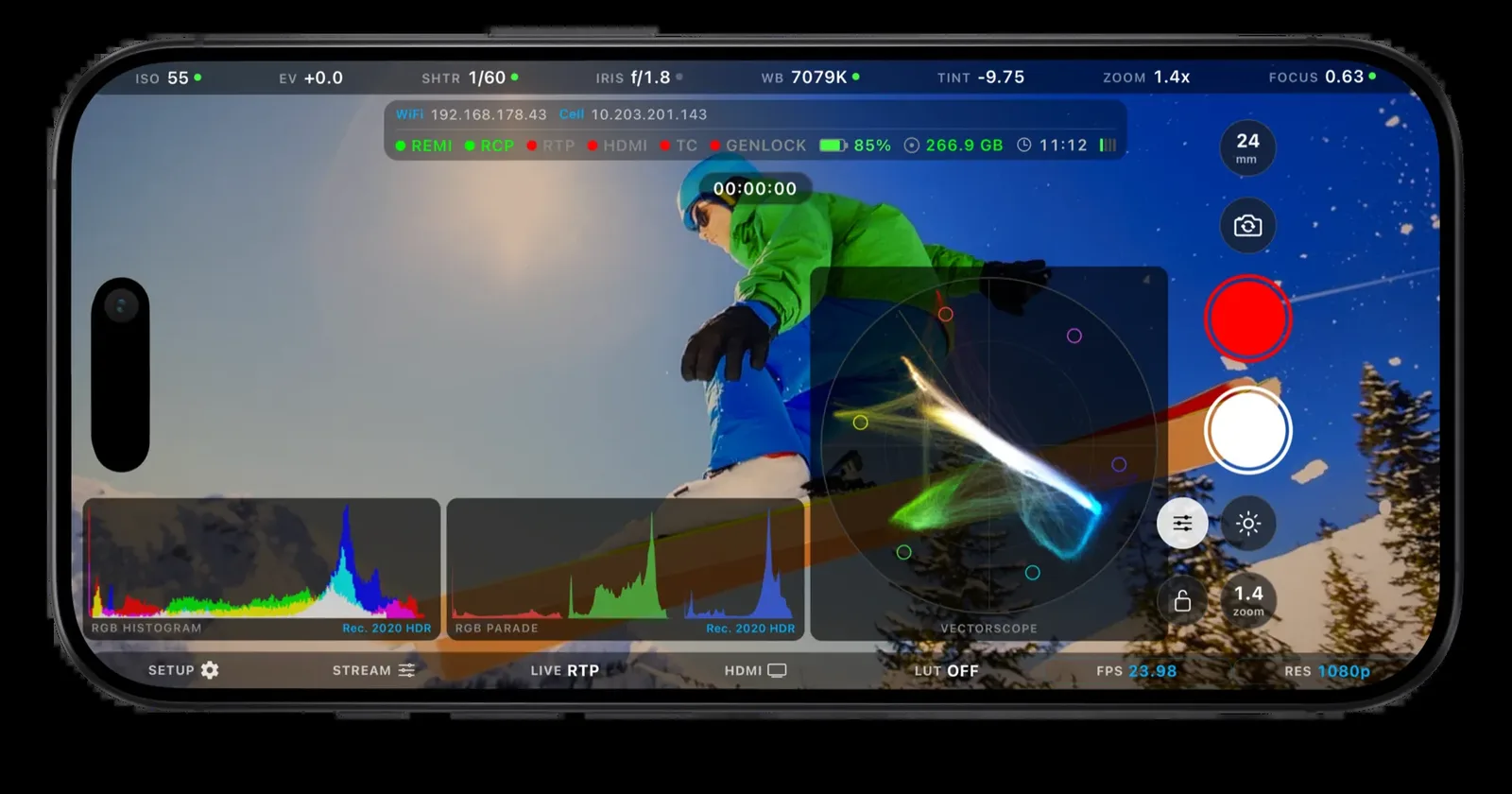
ProRes and Log recording, RTP / SRT streaming, HDMI output and GPU-based waveform and vectorscope are all built into a single app.
App Store (iPhone / iPad) Google Play (Android) Contact Us
Use Cases
- Impossible angles: reach viewpoints a full-size camera cannot
- Remote contributors: people on location, shaded from the truck
- Second unit and behind-the-scenes: coverage that still cuts cleanly with the main cameras
- Low-cost expansion: add cameras without adding another rack
Key Features
01 Professional capture
- Codecs: HEVC (8 or 10-bit), ProRes 422 Proxy to HQ, and Apple ProRes RAW on supported iPhones
- Color: Rec.709, P3 D65, Rec.2020 HLG, Apple Log and Log 2, with Log and HLG kept at 10 bits end to end
- Frame rates: 23.98 to 60 fps at 1080p and 4K, plus 120 and 240 fps, with the sensor clock locked to exact fractional rates
- Bit rate: automatic or fixed, up to 240 Mbps
- Storage: Photos library, an external SSD, or any folder in Files
- Extras: stills, stabilization modes, frame guides, shutter angle display, and a thermal monitor that reduces load before iOS throttles
02 Cyanview RCP control
- Over REMI, the RCP controls ISO, shutter, iris, exposure compensation, white balance, focus and zoom, with fine steps and configurable knob increments
- Custom buttons: switch lenses, toggle the look, flip the camera, start recording, switch between RTP and SRT, adjust bit rate and toggle HDMI
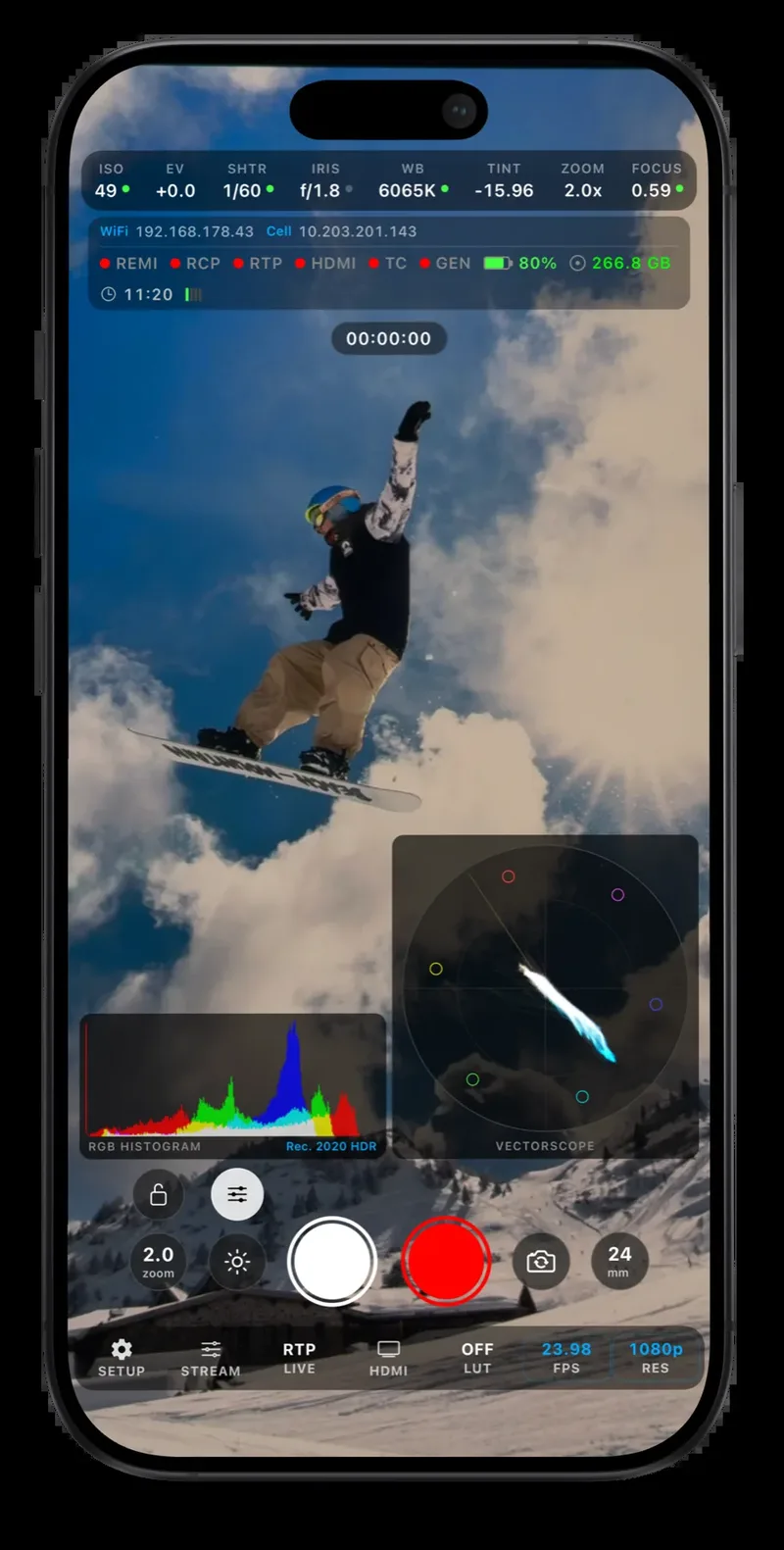
- Tally: red, green and call tally light a border around the picture
- Telemetry to the RCP: battery, thermal state, HDMI status, codec and free storage
- Auto exposure can be limited to an ISO and shutter range set by the operator; iris priority on variable-aperture lenses (iOS 27)
- REMI Cloud links the phone to an RCP over the internet, using regional servers and a latency probe
- Other control: VISCA over IP, Blackmagic zoom and focus demands over USB MIDI, and a REST settings API for scripted setup
03 On-device color shading
- Lift, gamma, gain, saturation, hue and local contrast, adjustable from the panel
- 16-vector multimatrix with gate and select
- Baked into a 3D LUT and applied per output: preview, HDMI, recording or stream
- Can be locked so operators cannot turn it off
04 RTP and SRT streaming
- RTP on the local network with very low latency (a few frames), a lossless path and a control channel into FXVP
- SRT over the public internet in caller or listener mode, encrypted, with AAC audio and NTP timecode SEI for Makito MultiSync
- H.264 or H.265, with bit rate changeable from the phone or the RCP
- 1080p240 output to FXVP for slow motion and instant replay
05 HDMI output
- Rec.709, HLG or Apple Log 2 at up to 10 bits through a USB-C adapter
- Preview and Output modes apply the look on the GPU
- Broadcast mode (iOS 27) sends the sensor feed at exact cadence with SMPTE ancillary metadata
- Audio monitoring and anamorphic de-squeeze on the monitor
06 Waveform and vectorscope
- RGB parade and RGB histogram for exposure and balance
- Vectorscope for hue and saturation
- Adjustable refresh rate, plus an audio meter
- Runs entirely on the GPU with no external hardware
07 LiveLab LUT import
- Load any .cube file as the base look, from Cyanview Studio or any grading suite
- Apple Log to Rec.709 conversions are included
- Cyanview LiveLab pushes LUTs live over the network and captures frames for grading
- LUTs are applied beneath the on-device grade
08 Genlock and timecode
- Genlock and LTC on BNC through the Blackmagic Camera ProDock lock the phone to house sync
- Recordings include a timecode track with offset trim for frame-accurate cuts
- Timecode can also come from MIDI timecode over the network or from NTP
- Without genlock, a PoE dongle adds wired networking
Requirements
| Devices | iPhone and iPad (App Store), Android phones and tablets (Google Play) |
|---|---|
| Remote control and shading | Requires a Cyanview RCP (everything else works standalone) |
| Genlock and LTC | Requires a Blackmagic Camera ProDock |
| Apple Log 2 | iOS 26 or later |
| Broadcast HDMI output and iris control | iOS 27 or later |
| ProRes and ProRes RAW | Requires a supported iPhone |
For App Developers
CyanCamera is not the only app that uses the Cyanview protocol. Mavis and other third-party camera apps already take control from the RCP. If you build camera or video apps, a single integration lets you reach the panel (developer sign-up).
Related Products and Links
- Cyanview Studio — camera control and live shading software
- RCP / RIO
- Broadcasting an MLS match with only iPhones: Cyanview RIO on site
- Cyanview products
- CyanCamera official website

